
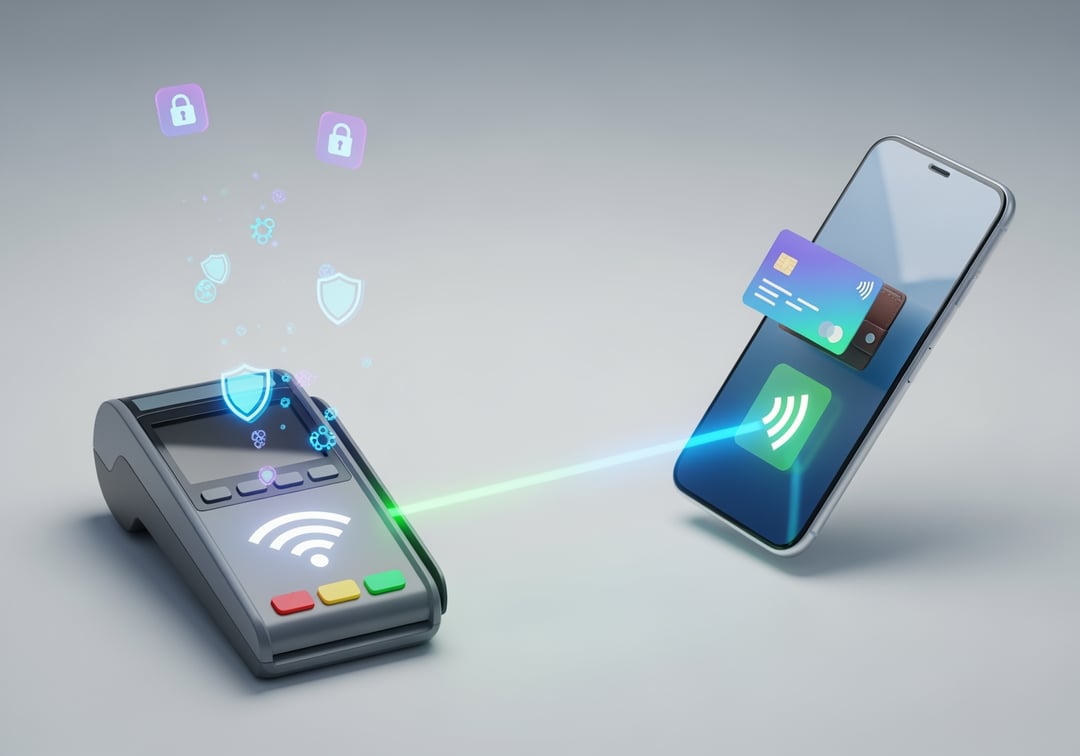
Paying by tapping your phone can feel a little like magic. One second you’re holding a slab of glass and metal. Next second the terminal beeps and you’re walking out with groceries.
And if you’re thinking, “Wait… is this actually safe?” you’re not alone. Let’s break down how tap to pay on phone works and what you can do to keep it locked down.
Tap-to-pay on phones in plain English
Tap-to-pay on phones means you pay at a checkout terminal by holding your phone close to it. You don’t swipe a card. You don’t insert a chip. You just tap.
Most of the time you’re doing this through a mobile wallet like Apple Pay, Google Pay, or Samsung Wallet. You’ll usually see the contactless symbol on the payment terminal. It looks like a sideways Wi‑Fi icon.
If you can tap a card on that terminal, you can usually tap a phone too.
What “tap to pay on phone” uses under the hood
When people say “tap to pay on phone” they’re describing a few technologies working together. The good news is these pieces were designed with security in mind.
NFC is the short-range handshake
Your phone uses NFC which stands for Near Field Communication. It’s a very short-range radio connection. Think “a couple inches” not “across the room.”
That short range matters. It reduces accidental connections. It also makes sneaky long-distance scanning much harder in real life.
Your wallet app holds your payment credentials
Your phone’s wallet stores a version of your card that can be used for contactless payments. You add a card once. Then you can choose it at checkout.
Importantly, the wallet usually does not hand over your real card number to the store every time you pay. That’s where the next part comes in.
Tokenization is the safety feature most people never hear about
Tokenization replaces your real card number with a substitute called a token.
Here’s the useful mental picture: your real card number stays in the vault. The phone uses a temporary “badge” that only works in specific ways.
That means if a merchant’s systems get breached, the data they captured often can’t be used like a normal card number. It isn’t the same thing.
Visa and Mastercard both describe tokenization as a core protection for digital payments:
- https://usa.visa.com/solutions/visa-token-service.html
- https://www.mastercard.com/news/perspectives/2021/what-is-tokenization/
One-time transaction codes stop replay scams
On top of the token, tap-to-pay transactions usually include a one-time cryptographic code. It’s proof that this transaction is real and fresh.
So even if someone could capture the radio data in the moment, they still shouldn’t be able to reuse it later. It’s like a single-use wristband at an event. Once it’s scanned, it’s done.
Your phone’s lock is part of the system
Most tap-to-pay flows lean on your phone’s security. That means Face ID, fingerprint unlock, or a passcode acts like a gate.
If your phone is locked and your wallet requires authentication, someone can’t just grab it and start paying for stuff. They hit the lock wall first.
Step-by-step: What happens when you tap to pay with your phone
The “tap” looks simple. The behind-the-scenes steps are fast but real.
- You wake your phone and open the wallet. Sometimes you can double-click a side button.
- You authenticate with Face ID, fingerprint, or a passcode if your settings require it.
- You hold the phone close to the terminal. NFC connects at very short range.
- Your phone sends a token and a one-time transaction code instead of your raw card details.
- The payment network checks it and approves or declines.
- You get confirmation on the terminal and on your phone.
That’s the core loop. Quick. Repeatable. Designed to share as little sensitive data as possible.
Is tap-to-pay on phones safe?
For most people, yes. It’s generally very safe.
But “safe” doesn’t mean “immune to every scam ever.” The risk usually comes from the same places it always has.
What attackers actually go after
1) Stolen phones If someone steals an unlocked phone, they can do damage fast. Your goal is to make that window tiny.
2) Account takeover If somebody gets into your Apple ID or Google account, they may be able to mess with devices, backups, or payment settings. This is boring security stuff that matters a lot.
3) Social engineering Scammers often don’t bother with fancy tech. They call and pretend to be your bank. Then they pressure you into handing over codes.
4) Checkout tampering Sometimes the risk is the terminal. A modified or sketchy payment reader can cause problems. If anything feels off, trust that feeling.
Google’s own guidance on paying with a phone emphasizes built-in protections like tokenization and device security:
- https://support.google.com/wallet/answer/12059326
- Apple also explains that Apple Pay uses device-specific numbers and authentication:
- https://support.apple.com/en-us/HT203027
Safety tips that actually matter
If you do only a few things, do these. They cover most real-world risk.
Lock your phone like it’s your wallet
Use a strong passcode. Then turn on Face ID or fingerprint unlock. Set your auto-lock to a short time.
A four-digit PIN is better than nothing. A longer passcode is much better.
Turn on Find My or Find My Device right now
If your phone disappears, remote actions matter more than stress.
- Apple Find My: https://support.apple.com/find-my
- Google Find My Device: https://support.google.com/android/answer/6160491
Make sure you can sign in and locate the phone. Don’t wait for a bad day to test it.
Require authentication for wallet payments
Most phones let you require Face ID or fingerprint before paying. Turn that on if it isn’t already.
Yes it adds a second. That second is worth it.
Secure your Apple ID or Google account with 2-step verification
This is the quiet foundation. Use a unique password. Turn on two-factor authentication.
- Apple: https://support.apple.com/en-us/HT204915
- Google: https://support.google.com/accounts/answer/185839
If someone can’t get into your account, they have a much harder time causing chaos.
Watch for weird terminal behavior
If the terminal looks loose, has an overlay, or someone insists you swipe when contactless should work, pause.
Use another register. Use another payment method. It’s fine to be the “paranoid” one for ten seconds.
Turn on transaction alerts and actually look at them
Enable notifications for card charges through your bank app.
Fraud often starts small. A tiny charge tests whether anyone notices. Catch it early and you save yourself hours later.
Common questions about tap to pay on phone
Do you need internet to tap to pay?
Usually, not for the tap itself. The terminal connects to the payment network.
But your phone still needs internet sometimes for updates, verification, and keeping everything in sync. If your phone has been offline for a long time, expect hiccups.
Can someone charge you just by standing near you?
In normal conditions, no. NFC range is very short. Also many setups require your phone to be unlocked or authenticated.
The bigger risk is still a stolen unlocked phone, or a scam that tricks you into giving up codes.
What if your phone battery dies?
Then you can’t pay with it. Keep a backup card or a little cash. A small portable charger helps too.
Troubleshooting: when tap to pay on phone doesn’t work
Most failures are simple and annoying, not scary.
- Remove thick cases or anything metal near the back of the phone.
- Reboot the phone and try again.
- Update your OS and wallet app since security fixes land there.
- Check NFC settings on Android if your phone requires NFC to be enabled manually.
- Confirm the terminal supports contactless. Some stores still have it turned off.
If it still fails, call your bank. Sometimes they block a token until you confirm recent activity.
A simple safe setup checklist
- Strong passcode + biometrics enabled
- Wallet requires authentication to pay
- Find My / Find My Device turned on
- Apple ID or Google account secured with 2FA
- Bank alerts enabled for transactions
- Backup payment method in your pocket
Wrap-up: Tap-to-pay on phones is convenient and safer than it feels
The first time you tap to pay on phone, it can feel like you’re taking a risk. But the system stacks protections. Short-range NFC helps. Tokenization helps more. Authentication on your phone closes the loop.
If you do one thing today, do this: turn on Find My and enable transaction alerts. That’s the difference between a minor annoyance and a long nightmare.