
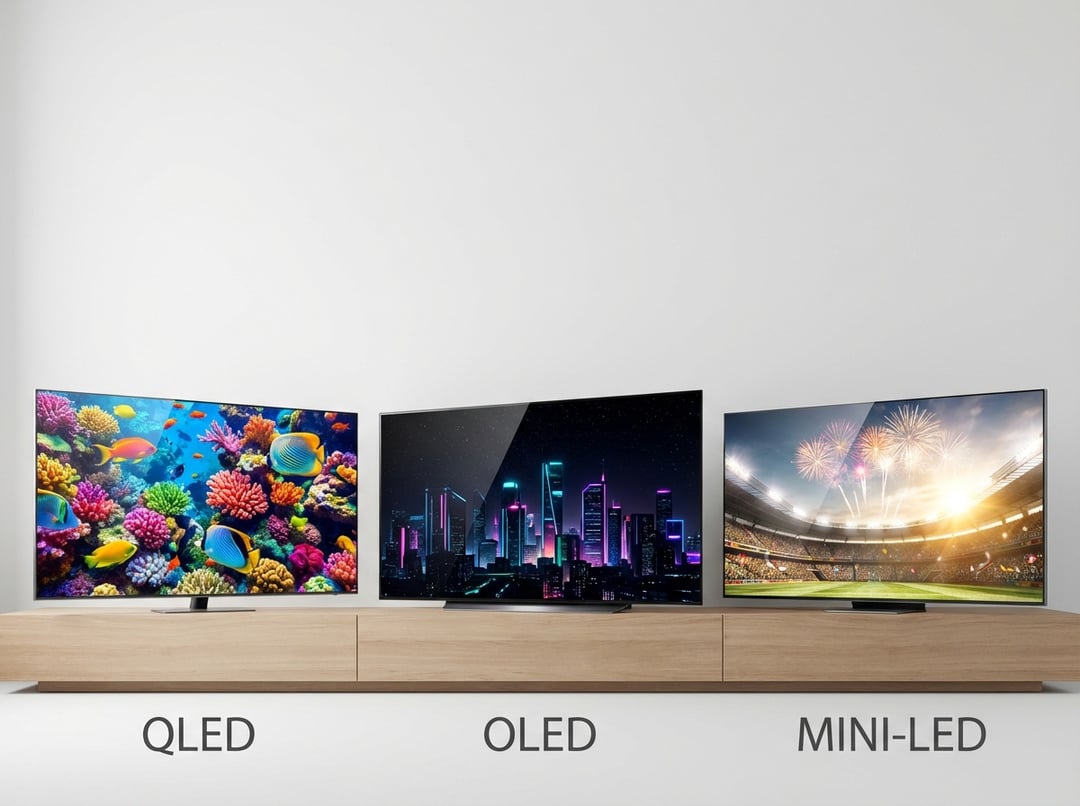
The fast definitions (so the acronyms stop feeling like a trap)
When people compare QLED, OLED, and Mini-LED, they often think they’re comparing three equal “screen types.” In practice, you’re comparing two different ideas. OLED describes how the pixels make light. QLED and Mini-LED usually describe how an LCD TV tries to make better light.
What OLED actually is
An OLED TV uses self-emissive pixels. Each pixel produces its own light. Each pixel can also turn fully off. That single design choice creates OLED’s famous contrast, because black areas become truly black rather than dark gray.
Consequently, OLED tends to look cinematic in a dim room. Shadow detail stays clean. Dark scenes keep depth instead of turning into a murky blob.
What QLED actually is
Most QLED TVs are LCD TVs with a quantum-dot layer. Quantum dots help an LCD produce brighter, purer colors, especially in HDR. They do not magically create perfect black levels. The TV still needs a backlight, and that backlight defines contrast performance.
So “QLED” describes a color-boosting ingredient. It does not guarantee a premium backlight system.
What Mini-LED actually is
Mini-LED refers to the backlight itself. A Mini-LED TV uses many small LEDs, and it typically divides the screen into many local-dimming zones. More zones usually means tighter control, deeper blacks, and less haloing around bright objects.
Most Mini-LED sets remain LCD TVs. Many also include quantum dots. You can think of Mini-LED as LCD’s best attempt at competing with OLED’s contrast while keeping LCD brightness advantages.
The core picture-quality trade-offs that matter at home
Specs and marketing labels won’t help if you do not understand the physics. These three buckets decide whether you love your TV after two weeks.
Contrast and black levels: QLED vs OLED vs Mini-LED
OLED wins black level performance because it can shut pixels off. You will notice this in letterboxed movies, dimly lit dramas, and space scenes. Blacks look black. Small highlights look like they float.
Mini-LED can get impressively close in many scenes, but it still dims in zones instead of pixels. That difference shows up as halos around bright elements on dark backgrounds. Subtitles provide the easiest test.
QLED performance varies. A strong full-array local dimming QLED can look excellent. A basic edge-lit QLED can look washed out in a dark room, because the backlight cannot localize darkness well.
Brightness and HDR impact: who “pops” the most
HDR looks convincing when the TV can show bright highlights without flattening the rest of the image. Mini-LED often shines here, literally. It can push high peak brightness, so sunlight glints, fireworks, and stadium lights hit with real punch.
QLED can also get very bright, especially higher-end models. Quantum dots help keep colors from looking bleached as brightness rises.
OLED’s HDR experience relies on contrast as much as raw brightness. In a darker room, OLED can look spectacular because black stays absolute. In bright rooms, OLED can struggle more with glare, and some models reduce brightness in large bright scenes due to power and heat management.
Color volume: why bright colors sometimes look “richer”
If you love vivid HDR animation or colorful nature documentaries, pay attention to color at high brightness. Quantum-dot LCDs often maintain strong saturation while they ramp brightness. That makes bright reds and greens look more intense without shifting toward pastel.
OLED can still look richly colored and accurate. It just tends to lean on contrast to create “wow,” while quantum-dot LCDs can brute-force brightness and saturation together.
The real living-room test: blooming, reflections, angles, and motion
A showroom sells you on brightness. A living room exposes weaknesses.
Blooming: the Mini-LED and QLED reality check
Blooming happens when a backlight zone lights up for a bright object, and light spills into nearby dark areas. Mini-LED reduces this because it often uses more zones. It rarely eliminates it.
If you watch a lot of subtitled content or dark shows, blooming can become the one thing you cannot unsee. OLED avoids blooming almost entirely because the “zones” are pixels.
Reflections and room lighting
Room lighting decides the best TV tech for you faster than any spec sheet. In bright daytime rooms, high brightness helps overcome reflections. Mini-LED and bright QLED models usually handle this better, especially when paired with strong anti-reflective coatings.
OLED can look amazing in controlled lighting. In a sunny room, reflections can fight your picture, and the image may not feel as punchy.
Viewing angles and seat layout
If your couch spreads wide, off-axis performance matters. OLED generally keeps contrast and color stable from the side. Many LCDs lose contrast at angles, although some models use layers to improve this.
So if your family always sits everywhere, OLED often feels like the simplest “set it and forget it” choice.
Motion for sports and fast action
Motion depends on both panel response and processing. OLED’s fast pixel response can look very crisp, which sports fans often love. It can also make low-frame-rate film content look a bit stuttery.
LCD motion varies more by model. Some TVs offer excellent motion handling, but processing can introduce artifacts if you push it too hard.
Gaming and PC use: the practical caveats buyers miss
Modern TVs across OLED, QLED, and Mini-LED often support features like 120Hz and variable refresh rate. Still, model details matter more than the label.
Burn-in anxiety: keep it factual
OLED burn-in risk exists because organic pixels age with use. For many people, it never becomes a real issue. For heavy static content, it deserves respect.
If you run news channels all day, keep a scoreboard on for hours, or use the TV as a PC monitor with a fixed taskbar, Mini-LED or QLED may feel safer. If you want OLED anyway, vary content, enable built-in protection features, and avoid leaving static images on at high brightness.
Mini-LED and QLED gaming quirks
Local dimming can interact with game HUDs. You might see slight haloing or brightness shifts around static UI elements. You can often tune this with local dimming settings and game mode options.
A decision framework that actually works
If you want the best answer to QLED vs OLED vs Mini-LED, stop shopping by buzzword. Shop by your room and your habits.
Choose your tech based on your situation
- Bright room and lots of daytime viewing: Mini-LED usually wins. A high-end QLED can also work well.
- Dark-room movies and cinematic contrast obsession: OLED remains the benchmark.
- Mixed use with subtitles and varied lighting: Mini-LED often balances brightness and contrast, but verify blooming tolerance.
- Wide seating and frequent off-angle viewing: OLED usually stays more consistent.
- Static-heavy news or PC desktop use: Mini-LED or QLED reduces long-term worry.
Conclusion
OLED delivers the cleanest blacks and the most consistent “cinema” feel. Mini-LED delivers the most brightness and strong HDR punch for real-world rooms. QLED can be excellent, but it depends heavily on the backlight quality behind the quantum dots.
Pick the technology that matches your lighting and content first. Then pick the best-reviewed model in your budget. That approach beats spec chasing every time.