
Phishing used to be a grammar problem. Misspellings, weird links, a fake “PayPal” logo, and you moved on. In 2026, phishing scams feel cleaner. They feel normal. And that’s the point.
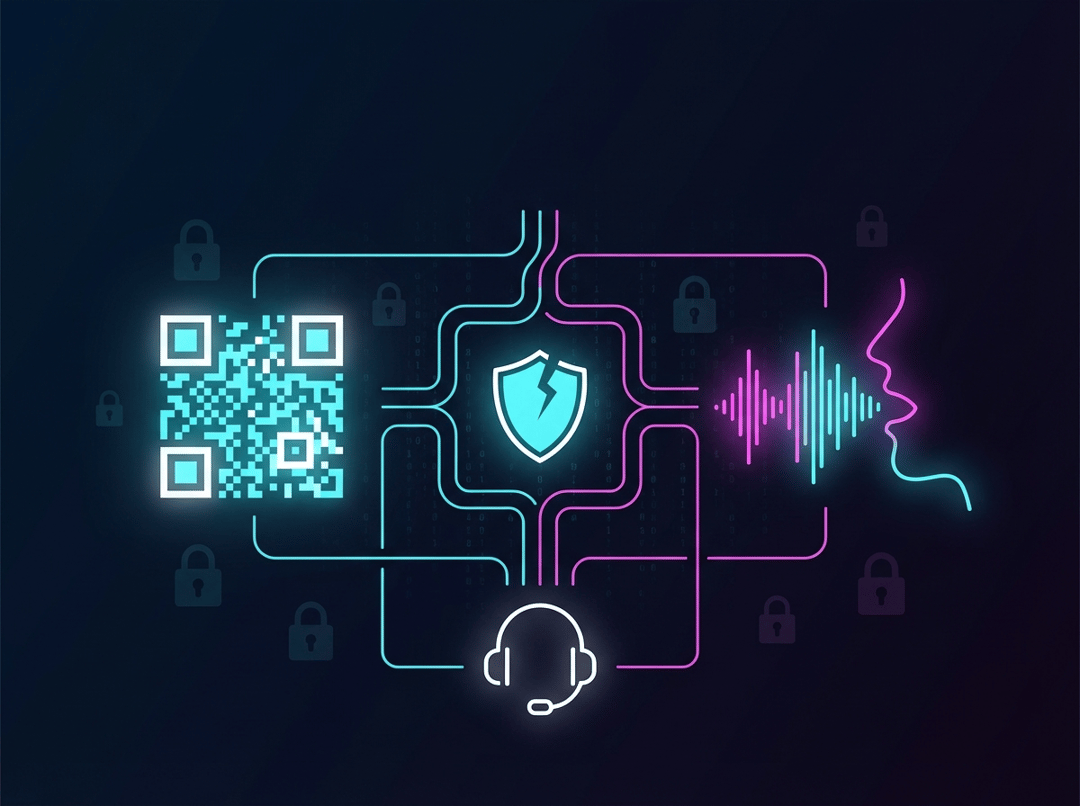
Attackers now design scams around low-friction trust: quick actions that bypass the moment where your brain would normally ask, “Wait… is this real?” A QR code moves you to your phone. A voice call pressures you in real time. A “support agent” turns your caution into compliance.
Consequently, the best defense for SMBs and everyday teams is not heroic suspicion. It is systems that make a mistake survivable.
Phishing in 2026: What Changed and Why It Matters to SMBs
Modern phishing scams rarely start and end in one place. They push you through a channel shift because each shift strips away safety checks.
Think about the updated kill chain like this:
- Lure: email, text, social DM, or a message inside Teams
- Channel shift: “scan this QR,” “call this number,” “talk to support”
- Action: login, approve MFA, install a tool, or change payment details
- Outcome: stolen credentials, stolen session tokens, or direct financial loss
That “channel shift” step is the new trick. It routes around email security tools and around your habits.
For context, the FBI’s Internet Crime Complaint Center repeatedly lists phishing and spoofing among the most reported categories in its annual reporting. Use the primary sources for internal buy-in rather than vibes: see the FBI overview page and the full IC3 report PDF for current trends and framing.
- https://www.fbi.gov/news/press-releases/fbi-releases-annual-internet-crime-report
- https://www.ic3.gov/AnnualReport/Reports/2024_IC3Report.pdf
QR Code Phishing (“Quishing”): The Link You Never Really See
QR code phishing works because it removes the easiest user defense: hovering over a link to preview it. On a phone, you often see a tiny URL preview. Then you tap anyway. That one second is where phishing scams win.
Why QR codes are perfect for phishing scams
- They hide the destination. A QR image contains the payload. The human cannot visually inspect it.
- They shift you to mobile. Mobile devices often have weaker filtering and weaker monitoring than work laptops.
- They blend into legitimate workflows. Restaurant menus trained everyone to scan first and question later.
The most common “quishing” patterns
- A PDF invoice with a QR that claims, “View secure document.”
- A sticker placed over a real QR in public spaces, parking meters, or event signage.
- A “security upgrade” email that says, “Scan to re-verify your Microsoft 365 account.”
The FTC has explicitly warned consumers that scammers hide harmful links inside QR codes and they use spoofed pages to steal logins and data. That is not a niche problem anymore.
SMB defenses that hold up
- Treat unsolicited QR codes like unsolicited links. No exceptions.
- Use phishing-resistant MFA where possible, especially for admin accounts.
- Build an alternate path: if a QR says “log in,” open the app directly and navigate from inside the trusted app.
AI Voice Phishing (Vishing): When the Scam Sounds Like Authority
AI voice changes the economics. Attackers no longer need a charismatic caller with perfect English. They need a script, a cloned voice sample, and a pretext.
The psychological edge is brutal: voice feels higher-trust than text. It also creates urgency. You cannot “re-read” a voice call.
Two vishing scenarios that crush SMBs
1) Finance urgency: “I need this wire in the next 20 minutes.”
2) IT urgency: “Your account is compromised, I’m sending a code, read it back.”
Both scenarios exploit a single fragile moment: the victim becomes the authentication factor.
A vishing playbook that people actually follow
- Hang up. Then call back using a known directory number.
- Require a second approver for any payment change.
- Use a short internal passphrase for high-risk requests. Rotate it quarterly.
If this feels paranoid, good. Paranoia is cheaper than wire fraud.
Fake Support Scams: Help Desk Theater With a Knife Behind the Curtain
Fake support scams work because they mimic what legitimate security already does: warnings, verification prompts, and “protect your account” language. Attackers weaponize the fact that modern work includes remote support tools.
Common delivery routes in 2026 include:
- Sponsored search ads that lead to fake “support numbers”
- Pop-ups that claim malware infection
- Messages in Teams or email that say a “ticket was created” for suspicious activity
Attackers typically want one of three things:
- Remote access so they can operate as you
- Session tokens so MFA never gets a vote
- OAuth consent so a “helpful app” gains mailbox access
Phishing Scams Prevention in 2026: Stop Trying to Be Perfect
Training matters. But training alone collapses under AI scale. The smarter strategy is to redesign your environment so phishing scams hit guardrails.
The layered defense stack for real life
- Authentication: prioritize phishing-resistant MFA options when available. NIST’s digital identity guidance explains why origin-bound authenticators like WebAuthn and FIDO2 raise the bar against phishing.
- https://nvlpubs.nist.gov/nistpubs/SpecialPublications/NIST.SP.800-63B-4.pdf
- Least privilege: separate admin accounts from daily email accounts.
- Finance controls: vendor bank changes require out-of-band confirmation and dual approval.
- Reporting path: make it easy to report. Speed beats shame every time.
A simple rule that catches the new tricks
If the request creates urgency and forces a channel shift, assume it is a phishing scam until verified.
If You Already Clicked, Scanned, or Installed Something
Do not “wait and see.” Phishing scams often escalate quickly.
First 15 minutes
- Disconnect the affected device from the network.
- Change passwords from a known-clean device.
- Revoke sessions in Microsoft 365 or Google Workspace.
- Call the bank immediately if money moved.
First 24 hours
- Check inbox rules and forwarding settings.
- Review OAuth app consents. Remove anything suspicious.
- Look for remote tools that should not exist.
The 2026 Reality Check
Phishing in 2026 does not look like a dumb email. It looks like workflow. It sounds like authority. It feels like support.
Build defenses that assume humans stay human. Then the new tricks lose their power.