
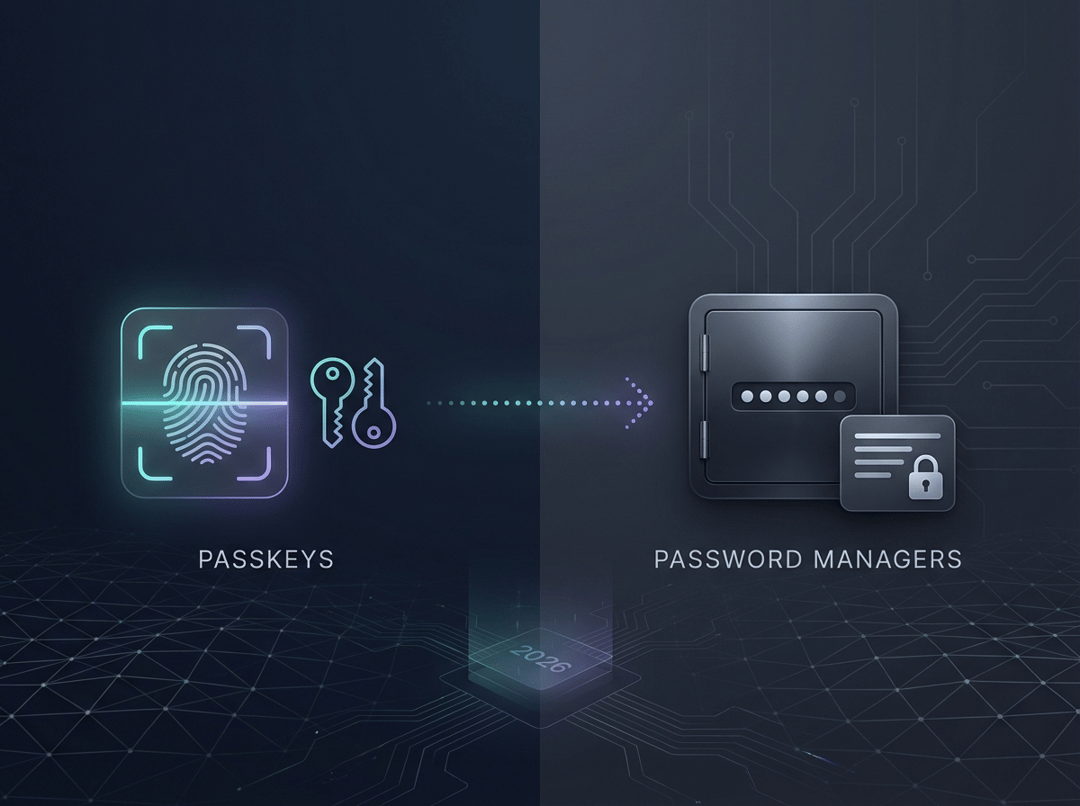
The debate between passkeys and password managers often feels like a culture war, but it doesn’t have to be. By 2026, the smartest choice for most people will be using both together: this approach lowers your risk of phishing and makes account recovery easier. It’s like getting a better lock for your front door while still keeping a spare key somewhere safe.
Here’s a practical listicle you can act on today.
1) Understand what passkeys actually change in 2026
A passkey is a login credential built on public key cryptography that’s bound to a specific website or app. Your device unlock (Face ID, fingerprint, PIN) authorizes it. You don’t type a password and you don’t hand a reusable secret to a site. Google’s developer documentation calls out two key advantages: phishing resistance and the fact that servers store only a public key, which is useless for signing in on its own (Google Passkeys).
In plain terms, passkeys shrink the two ugliest problems in consumer auth: credential stuffing and “oops I typed it into a fake site.”
2) Know what password managers still do better
Password managers remain the best “control plane” for your digital life. Passkeys don’t replace the need to store:
- recovery codes
- backup keys for MFA
- secure notes and identity data
- logins for sites that still don’t support passkeys
And even when a site supports passkeys, you still benefit from the manager’s inventory view. It tells you what exists, what’s duplicated, what’s weak, and what’s compromised. Passkeys reduce risk at the login moment. Password managers reduce risk across your whole account lifecycle.
3) Compare passkeys vs password manager using the only framework that matters
If you’re choosing between passkeys vs password manager in 2026, evaluate four outcomes.
Phishing exposure
Passkeys win. They’re designed so the browser or OS will only use the passkey with the correct site or app origin, which blocks the classic phishing flow (Google Passkeys FAQ).
Recovery reliability
It depends. Passkey recovery often leans on your platform account and device ecosystem. Password manager recovery leans on your master password and recovery kit. Neither is “free.” You pick which operational dependency you trust more.
Cross-platform portability
Password managers tend to win today. Passkeys are improving, but “ecosystem gravity” is real. Apple highlights passkeys syncing via iCloud Keychain and also points to import and export improvements over time (Apple Passkeys).
Ongoing maintainability
Password managers win for breadth. Passkeys win for lowering day-to-day friction on supported sites. The best setup uses both.
4) Pick a recommended 2026 setup and commit
Most people land in one of these three patterns.
Setup A: Passkeys-first, password manager as vault
Use passkeys for high-value accounts, then keep your manager for everything else. This is the default “smart adult” plan in 2026.
Setup B: Password manager-first, selective passkeys
If you live across many devices, browsers, and work contexts, keep the manager as primary. Add passkeys where they meaningfully reduce risk, like email and financial services.
Setup C: High-assurance profile
Use passkeys plus a hardware security key for your most sensitive accounts. Keep the password manager for recovery codes and non-login secrets. For a deeper policy lens on phishing-resistant authentication, NIST’s digital identity guidance provides useful framing even if you’re not doing compliance work (NIST SP 800-63-4).
5) Switch safely: a migration playbook that avoids lockouts
This is where people get hurt. Not by the crypto. By the recovery gaps.
Step 0: Create your recovery plan
Before you create a single passkey, do this:
- Identify your top 10 “account reset” accounts: primary email, Apple ID or Google Account, banking, workplace identity.
- Gather recovery codes and store them in your password manager.
- Confirm your recovery email and phone number are current where they’re used.
- Decide your emergency access plan: trusted contact, printed recovery kit, or hardware key.
Apple’s iCloud Keychain flow even discusses recovery options like recovery contacts and escrow behavior, which hints at how central recovery is to the whole design (Apple iCloud Keychain and passkeys).
Step 1: Upgrade the identity hubs first
Start with the accounts that control your resets. Create a passkey for your Google Account if you use that ecosystem (Google account passkeys). Do the same for your primary email provider if supported.
If you only do passkeys on two accounts this year, make them these.
Step 2: Convert high-risk targets next
Move to banking, payments, and any account that would be catastrophic if hijacked. Keep a fallback method until you’ve tested passkeys on more than one device. Remove SMS-based MFA where passkeys fully replace it. Keep one strong alternative.
Step 3: Normalize cross-device sign-in
Test three scenarios:
- your phone
- your primary laptop
- one backup path you can access when you’re traveling or replacing hardware
This step sounds boring. It prevents the “new laptop, no passkey, panic” moment.
6) Avoid the common migration failure modes
“My password manager is now cluttered”
Tag accounts as passkey-enabled and keep the password entry as a fallback until you’ve proven stability. Clean-up comes later.
“My work device is managed”
Separate personal and work identities. Corporate controls can restrict syncing and sharing, so don’t mix your personal recovery story into a managed environment.
“I’m worried passkeys trap me in one ecosystem”
That’s a valid fear. The practical fix is simple: keep your password manager as the portability bridge while passkey import and export continues to mature.
A simple mental model (diagram)
- Device unlock → authorizes the action
- Passkey → does the phishing-resistant login
- Password manager → stores everything else and saves your recovery plan
- Recovery channels → are your last line of defense
If you want one sentence to remember: in Passkeys vs Password Managers: What to Use in 2026 (and How to Switch), passkeys are your upgraded lock, and a password manager is your well-run key cabinet.