
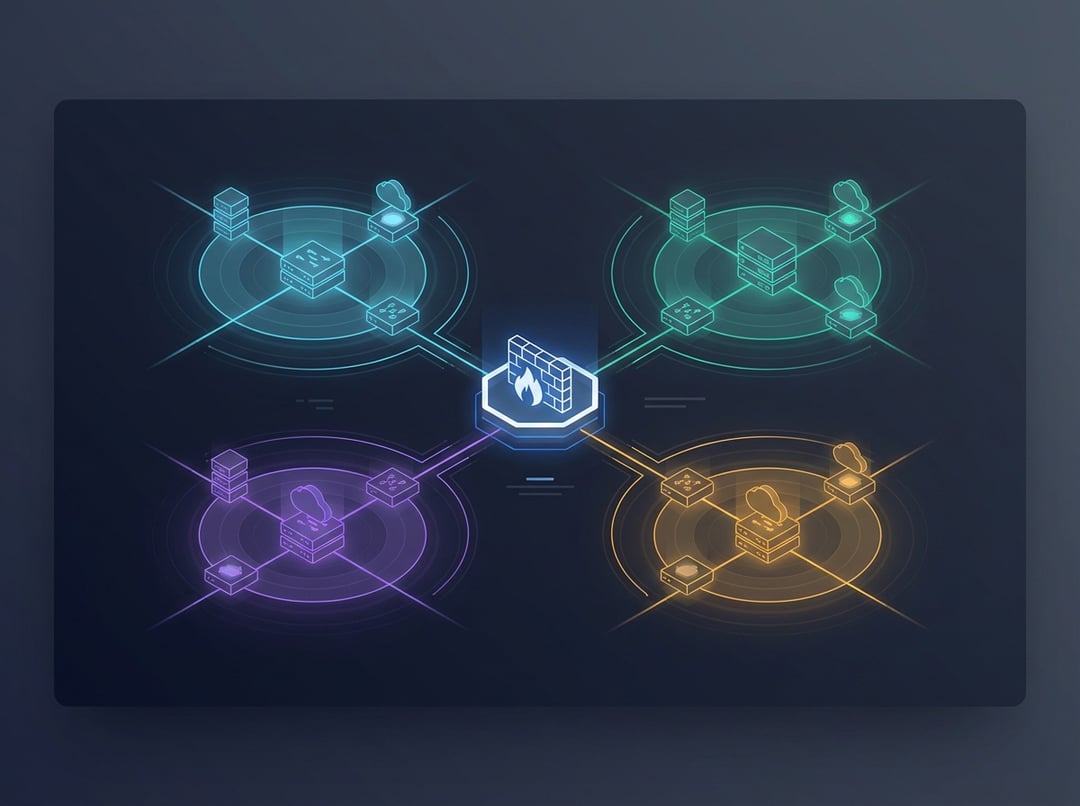
Network Segmentation and VLAN Design: why it matters
Most networks don’t fail in dramatic ways. They fail in boring ways. A single compromised laptop reaches far more systems than it should, a new IoT device starts chatting loudly, and suddenly “everything is slow” becomes everyone’s problem.
Network segmentation and VLAN design solve that class of pain by shrinking the blast radius. You put devices into sensible groups, then you control which groups can communicate. Consequently, you get fewer surprise interactions, cleaner troubleshooting boundaries, and a security posture that scales beyond wishful thinking.
Network segmentation vs. VLANs: the mental model that prevents bad designs
A VLAN creates a logical Layer 2 boundary. In plain terms, it splits one physical switching fabric into multiple broadcast domains. Devices in different VLANs do not share local network chatter unless you route between them.
Network segmentation is bigger than VLANs. Segmentation means you intentionally separate systems by trust and function, then you enforce communication rules between those zones. In practice, that enforcement lives at Layer 3 and Layer 4 via routing policy, ACLs, or firewall rules.
Here’s the key point for anyone designing networks in the real world: VLANs create the containers, and segmentation defines the controlled pathways between them. If you build VLANs and then allow “any-to-any” inter-VLAN routing, you built neat-looking containers with no locks.
Core best practices for network segmentation and VLAN design
A strong VLAN design starts with principles. You can change vendors and topologies, yet these ideas still hold.
Segment by risk and function, not convenience
Start with trust levels because threat modeling beats organizational charts. A typical baseline includes:
- Guest: unknown devices with internet access only.
- User: managed endpoints like laptops and desktops.
- IoT: cameras, TVs, HVAC controllers, badge readers.
- Server/services: file servers, directory services, app servers, NAS.
- Management: switch management, hypervisor management, out-of-band tools.
If you segment only by department, you’ll often recreate a flat network with extra steps. Conversely, when you segment by trust and function, your rules become crisp and defensible.
Think “default deny” for inter-VLAN traffic
Good network segmentation best practices assume that inter-VLAN connectivity is a privilege. You decide what must communicate, then you allow only that.
A practical way to do this without turning your life into an ACL spreadsheet:
- Write down the top five flows that must work.
- Implement only those.
- Add new flows deliberately when a real requirement appears.
That approach keeps policy readable and reduces fragile exceptions.
Keep it boring: naming and numbering that scales
VLAN sprawl starts when naming becomes interpretive art. Use a consistent scheme like SITE-FUNCTION-TRUST. Then keep VLAN IDs grouped by category so humans can scan them.
One simple pattern:
- 10–19: user access
- 20–29: voice
- 30–39: IoT
- 40–49: servers
- 90–99: network management
Boring scales. Cute fails during incidents.
Align VLAN design with IP addressing you can summarize later
A VLAN without an addressing plan turns into a maze. Pick subnets that match expected device counts, then leave room for growth. Many environments use /24 for user networks because it stays simple, yet smaller subnets often fit printers or tightly controlled IoT zones.
If you expect multiple sites, reserve predictable ranges per site. That decision helps future routing and keeps migrations from becoming archaeology.
Control trunks and resist stretching VLANs everywhere
Trunks should carry only the VLANs a link actually needs. When you allow every VLAN across every trunk, you create a fragile Layer 2 “everything bus.” Furthermore, you increase the impact of misconfigurations and loops.
Keep VLANs local unless you have a specific reason to extend them. If you do extend them, document why and define an exit plan.
A step-by-step process for VLAN design that works in real networks
You can design segmentation like an architect instead of collecting VLANs like souvenirs.
1) Inventory and classify devices into zones
List device classes and assign trust. Managed endpoints belong in a different zone than unmanaged IoT. Critical services deserve their own segment, especially when downtime carries real cost.
2) Define required communication paths in plain language
Before you touch a switch, define “who needs to talk to what.” Examples:
- Users need DNS, internet access, and specific internal services.
- IoT often needs outbound access to a vendor cloud and nothing else.
- Guests need internet only.
This step prevents the most common failure mode in network segmentation and VLAN design: building segments, then panicking and opening everything because “something broke.”
3) Choose where you enforce inter-VLAN rules
Inter-VLAN routing can happen in several places. The best choice depends on risk and complexity:
- A Layer 3 switch with ACLs can work for smaller environments.
- A firewall as the gateway for sensitive VLANs gives stronger inspection and logging.
- Mixed designs often work best when you keep them consistent.
Pick a model you can operate at 2 a.m. during an outage.
4) Allocate VLAN IDs, subnets, and DHCP scopes
Write a VLAN plan that includes purpose, subnet, gateway, and DHCP behavior. Reserve addresses for infrastructure. Document static ranges so you never play “IP whack-a-mole.”
5) Implement, then validate both allow and deny behavior
Test what should work and confirm what should not. That second part matters. Segmentation that only tests “allowed” paths often fails quietly until it matters most.
Network segmentation and VLAN design examples you can copy
Concrete patterns make best practices actionable.
Example 1: Small office baseline
- VLAN 10 Users:
10.10.10.0/24 - VLAN 20 Voice:
10.10.20.0/24 - VLAN 30 IoT:
10.10.30.0/24 - VLAN 40 Servers/NAS:
10.10.40.0/24 - VLAN 99 Management:
10.10.99.0/24
Policy intent:
- Users → Servers: allow only required ports.
- IoT → Internet: allow limited outbound, block internal access.
- Guest Wi-Fi: separate VLAN with internet-only rules.
Example 2: Multi-site growth without chaos
Keep VLAN IDs consistent across sites, then vary IP ranges by site. For example:
- HQ Users:
10.1.10.0/24 - Branch1 Users:
10.2.10.0/24
Consistency reduces mistakes during rollouts and makes documentation meaningful.
Example 3: Home lab learning design
Use VLANs for Trusted, Guest, IoT, and Lab. It teaches the same controls you need at work, and it protects your daily devices from experiments.
Common mistakes and how to avoid them
- Treating VLANs as security: VLANs separate broadcasts. Policy controls security.
- Over-segmentation: too many VLANs increases operational load and encourages risky shortcuts.
- VLAN sprawl across trunks: “everything everywhere” makes failures bigger and debugging harder.
- No documentation: undocumented VLAN design becomes institutional memory, and memory is not a control.
Keep segmentation healthy over time
Segmentation degrades unless you maintain it. Review rules, prune stale exceptions, and audit switchports so trunks remain intentional. Keep a lightweight VLAN register that lists the VLAN name, purpose, subnet, gateway, and owner.
Conclusion: practical next steps
If you want network segmentation and VLAN design to pay off, start with a small set of zones, define required flows, and enforce inter-VLAN controls deliberately. Then standardize naming, numbering, and addressing so the design survives growth. Finally, document as you go. Your future troubleshooting self will thank you.