
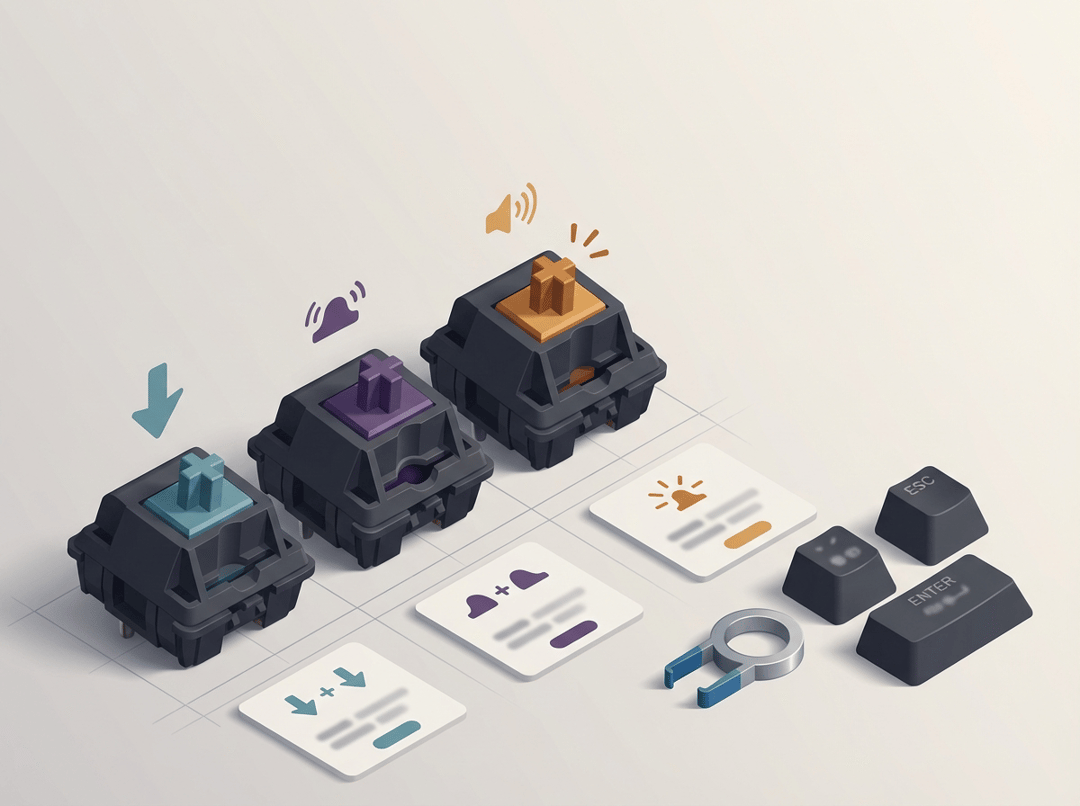
What mechanical keyboard switches actually are (and why you feel the difference)
A mechanical keyboard switch is the little spring-loaded mechanism under each key that controls how a press feels and, to an extent, how it sounds. Each switch contains a housing, a stem that moves, a spring that pushes back, and metal contacts that register the keystroke. That’s the core. Everything else you hear online comes from how that core gets tuned.
To understand any “mechanical keyboard switches explained” guide, you need four terms that show up everywhere once you start shopping:
- Actuation point: where the keypress registers.
- Total travel: how far the key can move before it hits the bottom.
- Operating force: how much force you need around actuation.
- Bottom-out force: how hard it feels at the very bottom of the press.
One more thing that saves a lot of frustration: the switch does not own the entire sound. Keycaps, the keyboard case, the plate, and stabilizers can turn a quiet switch into a clacky keyboard. Conversely, a “loud” switch can sound less intense in a well-damped build.
Linear switches explained: smooth, consistent, often easier to live with
Linear switches feel like a clean, uninterrupted slide. You press down and resistance stays fairly consistent until you hit the bottom. If tactile is a speed bump, linear is a hallway.
Why people love linear switches
Linear switches reward rhythm. Because nothing “happens” mid-press, your fingers can move quickly and predictably. That’s why many gamers gravitate toward them, yet plenty of writers do too. A smooth press can feel calming. It can also reduce the sense that the keyboard fights you.
Linear switches also tend to play nicely with quiet setups. You still get noise from bottoming out and from keycaps, but you don’t add an intentional click mechanism. Consequently, you have more room to tune sound with simple changes like thicker keycaps or case dampening.
Where linear switches can annoy you
The biggest complaint sounds like this: “I keep making typos.” That can happen if the switch is light and you rest your fingers heavily. It can also happen when you come from a stiffer laptop keyboard.
Another common issue involves bottoming out. Many people slam straight to the bottom because that’s how they learned to type. With linears, that can feel harsher because there’s no bump reminding you to ease up. If that describes you, you can often fix it by choosing a slightly heavier switch or by practicing a lighter touch.
Tactile switches explained: feedback without the click
Tactile switches introduce a noticeable change in resistance during the press. That change is the “bump.” It’s not decoration. It’s a deliberate signal that your finger can feel.
What the tactile bump really does
The bump acts like a confirmation point. Some people describe it as the keyboard “talking back.” You feel a moment of resistance and then the press continues. That feedback can help you stop pressing quite so hard. It can also make typing feel more intentional, especially if you like to sense the moment a key actuates.
Tactile does not automatically mean loud. Many tactiles sound modest, then the rest of the keyboard build shapes the final volume.
The real trade-off: clarity vs speed
Tactile switches can reduce uncertainty, yet they can also slow rapid repeats for some users. If you press a key repeatedly in quick bursts, the bump can feel like a tiny hurdle you keep stepping over. Conversely, other people type faster because the feedback improves confidence and reduces mistakes. Both outcomes are normal.
Also, tactility comes in flavors. Some tactiles feel subtle and gentle. Others feel sharp and pronounced. If you read “tactile” and expect one consistent sensation, you will feel confused when you try your second switch.
Clicky switches explained: maximum feedback with a built-in soundtrack
Clicky switches add an intentional click sound on top of tactile feedback. Many designs use a dedicated mechanism that produces a crisp click at a specific point in the press.
Why clicky switches feel so satisfying
A clicky switch gives you two signals at once: a physical event and an audible one. That can feel delightful, especially if you like audible rhythm while typing. The keyboard becomes almost like a tiny instrument. For some people, that turns daily work into a small pleasure.
The social cost is real
Clicky switches often create problems in shared spaces. Even if you personally love the sound, other people can experience it as constant interruption. Calls, streaming, late-night work, and open offices all amplify the downside. If you want the “event” without becoming the loudest object in the room, a tactile switch usually delivers the best compromise.
Linear vs tactile vs clicky: a practical way to choose (without guesswork)
“Mechanical keyboard switches explained: linear vs tactile vs clicky” becomes much simpler when you start with context.
Step 1: decide based on your environment
If you share a room with anyone who needs quiet, eliminate clicky first. If you work in an office, default to linear or tactile. If you type alone and enjoy sound, clicky can be a legitimate choice.
Step 2: match the switch to your typing habits
- If you bottom out hard and your fingers fatigue, try tactile or a heavier linear.
- If you hate resistance and want effortless motion, try linear.
- If you crave confirmation and “presence” on each press, try tactile or clicky.
Step 3: remember the “sound stack”
People blame switches for sound issues that come from elsewhere. Stabilizers can rattle. Keycaps can amplify clack. A hollow case can echo. Switch type matters, yet it’s only one layer.
Step 4: buy in a low-regret way
A small switch tester helps, but it only tells part of the story. Better option: a hot-swappable keyboard, then buy small packs of switches to compare over a week. Test for comfort after 30 minutes, then test again after a long session. The right switch often reveals itself when the novelty wears off.
Conclusion: pick the feel that fits your life, not the internet’s favorite
Linear, tactile, and clicky switches all solve different problems. Linear prioritizes smoothness and tends to stay easiest to quiet down. Tactile adds feedback that many people find perfect for everyday typing. Clicky brings the most personality, yet it demands the right environment.
If you still feel stuck, start tactile for balanced use or start linear for simplicity and quiet. Then test in real life. Your hands will give you better data than any comment thread.


