
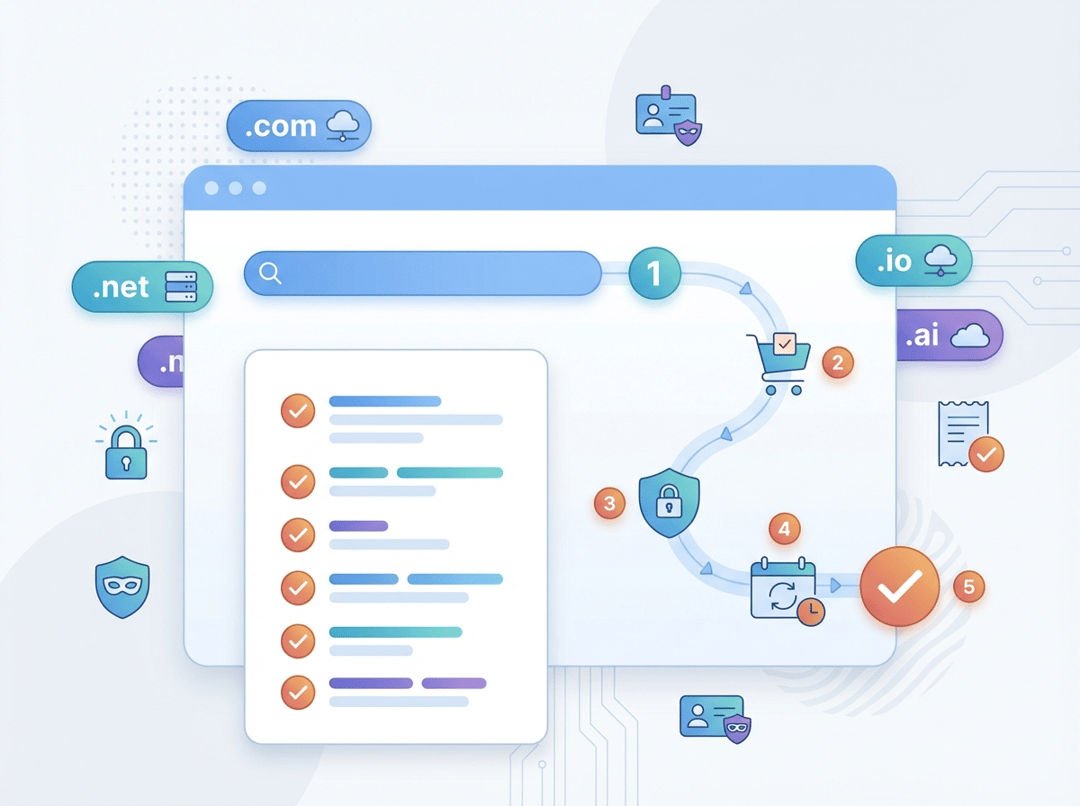
Registering a domain name sounds like a “tech task,” but it’s really just reserving a name on the internet—like claiming a handle before someone else does. The tricky part isn’t clicking Buy; it’s making a few smart choices upfront so you don’t end up with the wrong name, surprise renewal pricing, or a domain that’s easy to hijack. This checklist walks you through the process in a calm, beginner-friendly way, with practical tips you can use even if you’ve never touched DNS before. By the end, you’ll have a domain you own, can manage, and can confidently connect to a website or email later.
Step-by-step domain registration checklist (first-timer friendly)
1) Get clear on what you’re registering (domain vs website)
Before you start shopping, it helps to separate two things:
- Domain name: your address (example.com)
- Web hosting / site builder: where your website lives
You can buy a domain from one company and host the site somewhere else. That flexibility is usually a good thing.
2) Choose a domain name you won’t regret
This is where first-timers often overthink it—or underthink it.
Aim for:
- Short, memorable, easy to spell out loud
- No hyphens if you can avoid them
- Avoid odd spellings (“kwik” instead of “quick”) unless it’s truly your brand
- Something you can imagine saying on a podcast, in a meeting, or on a support call
Quick gut-check:
If you have to say, “It’s with a hyphen” or “It’s spelled like…” every time, it’s going to be a pain.
3) Pick a sensible TLD (domain ending)
The “ending” matters less than beginners fear—but it matters enough.
- .com is still the most universally recognized (and easiest to remember).
- Country domains (like .co.uk, .de, .ca) can be great if you’re targeting that market.
- Newer TLDs (.studio, .design, .app) can work well for branding—just make sure your audience will trust and remember it.
First-timer default: if the .com is available and not weirdly priced, grab it.
4) Check availability (and don’t panic if it’s taken)
Search the name at a registrar. If your first choice is taken:
- Try adding a small, brand-appropriate modifier (e.g., “get”, “try”, “hq”, “studio”)
- Consider a relevant TLD (e.g., .co, .io, .studio) if it fits your audience
- Avoid buying a “close misspelling” of a competitor’s brand (that can create legal headaches)
5) Choose a reputable registrar (this matters more than most people realize)
A registrar is the company that sells and manages domain registrations. If you’re unsure, choose a well-known registrar that is ICANN-accredited and has solid account security and support.
ICANN outlines that your registration (and any privacy/proxy service attached) must be subject to a registration agreement with an ICANN-accredited registrar, and registrants are entitled to review that agreement and get clear info about terms and pricing (ICANN registrant benefits & responsibilities).
What to compare (quickly):
- Renewal price (not just year-one promo)
- WHOIS privacy/proxy cost (free vs paid)
- 2FA options (app-based is best)
- Support quality if something goes wrong
6) Decide: how many years will you register?
Many registrars offer 1–10 years.
Practical guidance:
- If this is a real project (business, portfolio, nonprofit), consider 2–3 years to reduce renewal stress.
- You can usually renew anytime, but multi-year registration can remove one more “oops” risk.
7) Add WHOIS privacy (when available)
Domain registrations typically require contact information. Many registrars offer a privacy/proxy service that reduces how much personal data is publicly visible.
If privacy is available and affordable, it’s usually worth enabling—especially for individuals and small teams.
(Your right to clear information about privacy/proxy services is included in ICANN’s registrant guidance: ICANN registrant benefits & responsibilities.)
8) Review your cart like you’re reading a phone contract
Before checkout, watch for add-ons you may not need yet:
- Website builder trials
- Email hosting bundles
- SSL (often better handled by your hosting provider; many hosts provide it free)
- “Premium DNS” (nice-to-have later, not required for most beginners)
Also verify:
- Auto-renew setting (I usually recommend on, paired with a calendar reminder)
- Renewal price
- The domain is spelled exactly right (seriously—triple check)
9) Create your registrar account securely (don’t skip this)
Your registrar login is effectively the “keys” to your domain.
Do this immediately:
- Use a strong, unique password
- Turn on 2FA (authenticator app if possible)
- Store backup codes somewhere safe
10) After purchase: turn on the “don’t steal my domain” settings
Once the domain is registered, go into your domain settings and enable:
- Registrar lock / domain lock (prevents unauthorized transfers)
- 2FA (if you didn’t already)
- Confirm your registrant contact email is correct and accessible
Why this matters: domain hijacking is real, and many problems start with compromised email or weak registrar security.
11) Decide where DNS will be managed (registrar vs host)
DNS is the system that points your domain to services like:
- Your website (A/AAAA records, CNAME)
- Your email provider (MX records)
- Verification and security (TXT records like SPF/DKIM/DMARC)
You typically have two clean options:
- Manage DNS at your registrar (simple if you’re staying lightweight)
- Point nameservers to your hosting provider (common if your host manages everything)
If you’re building a website soon, it’s often easiest to let your host manage DNS—just follow their instructions.
12) If you plan to move registrars later, know about transfer rules
Transfers are normal, but there are timing rules.
ICANN notes that you generally can’t transfer a domain to a new registrar within 60 days of changing contact information, though some registrars may offer an opt-out option; the lock is designed to reduce unauthorized transfers (ICANN transfer policy explainer).
Translation for beginners:
Don’t update registrant contact details casually right before you intend to transfer—plan ahead.
Common first-timer mistakes (so you can skip them)
- Buying based on the first-year promo and getting surprised by renewal pricing later.
- Not enabling 2FA, then losing the domain to account compromise.
- Changing DNS randomly without knowing whether the registrar or host controls it.
- Letting a domain expire, then paying extra fees (or losing it altogether).
- Registering a name that’s hard to say (you’ll feel it every time you share it).
Conclusion: your “done” definition
If you want a clean finish line, here it is:
- Domain purchased at a reputable registrar
- Contact email is correct and accessible
- WHOIS privacy enabled (if desired)
- Registrar lock enabled
- 2FA enabled
- You know where DNS will be managed (registrar or host)
Do those six things and you’ll be ahead of most first-time buyers—and in a much safer position when you’re ready to launch your site or email.