
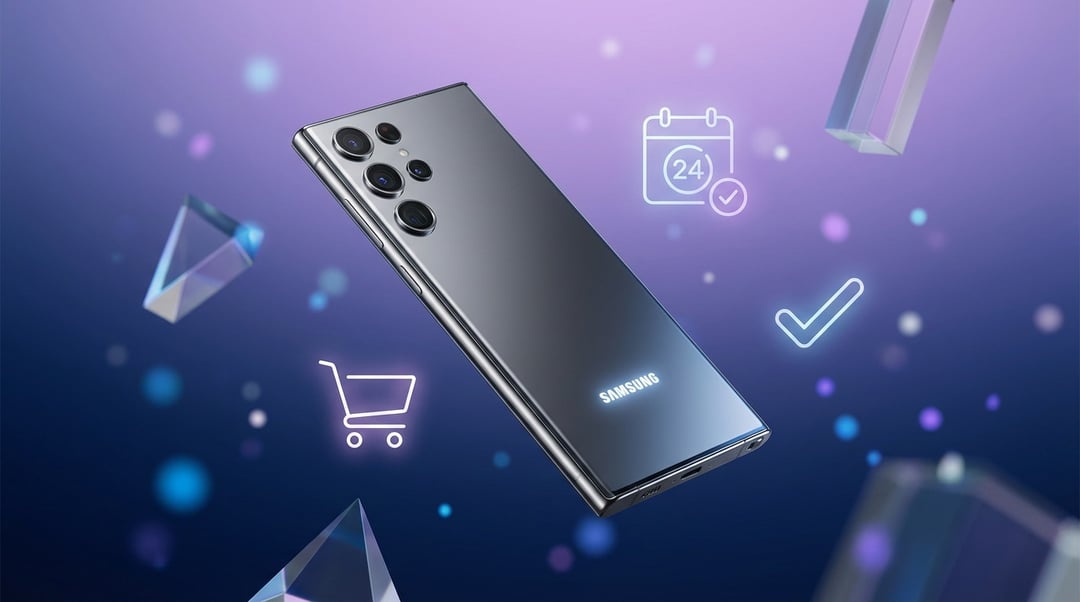
Pre-order season always feels a little chaotic. New colors. Limited bonuses. Carriers promising huge trade-in credits. And somewhere in the noise you’re just trying to figure out how to pre-order the Galaxy S26 series without overpaying or missing something important.
Let’s break it down calmly and clearly.
Why Pre-Ordering the Galaxy S26 Series Actually Matters
When Samsung launches a flagship, early buyers get the strongest incentives. That is not marketing hype. It is launch strategy.
Manufacturers use pre-orders to lock in demand forecasts. In return, they offer meaningful perks:
- Free storage upgrades
- Samsung credit for accessories
- Enhanced trade-in values
- Exclusive color options
Miss the pre-order window and many of those disappear.
Shipping priority matters too. Galaxy Ultra models with higher storage often sell out first. Early orders usually ship for delivery on launch week. Later buyers sometimes wait weeks depending on supply allocation.
If you want launch-day delivery and the best bundle value, pre-ordering the Galaxy S26 series makes practical sense.
Understand the Galaxy S26 Lineup Before You Click Buy
Choosing the wrong model creates regret. Choosing the right one feels effortless for years.
The Galaxy S26 series will likely include:
- Galaxy S26 – balanced performance and compact design
- Galaxy S26+ – larger display and bigger battery
- Galaxy S26 Ultra – premium camera system and productivity features
Think of it as a three-tier ladder.
Base model for everyday reliability.
Plus for screen and battery lovers.
Ultra for photography and power users.
Differences usually appear in camera sensors, optical zoom, battery capacity, display resolution, and sometimes exclusive features like S Pen integration on Ultra models.
Before you pre-order the Galaxy S26, confirm:
- Storage capacity you actually need
- Whether you want an unlocked phone
- Regional chipset compatibility if buying internationally
Unlocked models offer flexibility and higher resale value. Carrier-locked models sometimes offer stronger upfront promotions.
Step-by-Step: How to Pre-Order the Galaxy S26 Series
Now let’s get practical.
Step 1: Confirm the Official Pre-Order Date
Samsung typically opens pre-orders immediately after its Unpacked event. Watch official channels such as:
- Samsung Newsroom
- https://www.samsung.com
- Major carriers like Verizon, AT&T, and T-Mobile
Pre-order windows often last one to two weeks.
Step 2: Decide Where to Pre-Order
Where you buy affects long-term cost.
Samsung.com
Buying directly often gives:
- Exclusive colors
- Flexible trade-in options
- Bonus accessory credits
Carriers
Carriers promote aggressive trade-in deals. However, credits usually apply over 24 to 36 months. Leave early and you lose remaining credits.
Retailers
Stores like Best Buy sometimes bundle gift cards or financing perks.
If flexibility matters most, Samsung direct often wins. If minimizing monthly payments matters more, carriers can offer better short-term value.
Step 3: Choose Configuration Carefully
Storage fills up faster than expected. High-resolution video and AI features consume space quickly.
Consider:
- 256GB vs 512GB price differences
- RAM configurations
- Color availability
- eSIM support
A small storage upgrade at pre-order costs less than upgrading phones early due to space limits.
Step 4: Evaluate Trade-In Offers Realistically
Trade-in marketing can be confusing.
There are two common structures:
- Instant credit applied at checkout
- Bill credits spread across monthly payments
Instant credit reduces your upfront cost immediately. Bill credits require commitment to a carrier plan.
Also verify device condition requirements. Cracked displays often reduce value sharply. Confirm your IMEI and reset the device before shipping.
Step 5: Finalize Payment and Financing
You typically have three paths:
- Pay in full
- Use Samsung Financing
- Enroll in carrier installment plans
Paying in full gives you maximum freedom. Financing reduces immediate strain but locks you into terms. Compare total cost over two years including activation fees and insurance.
Lowest monthly payment does not always equal lowest total cost.
How to Get the Best Galaxy S26 Pre-Order Deal
If you want to optimize savings, stack incentives carefully.
Check for:
- Free storage upgrades
- Extra trade-in bonuses
- Cashback portals
- Student or military discounts
Calculate the total two-year ownership cost. Include taxes, service fees, and any early upgrade penalties.
A flashy promotion can look generous yet cost more long term.
Common Mistakes to Avoid When You Pre-Order the Galaxy S26
Avoid these common errors:
- Waiting too long on popular configurations
- Ignoring fine print in carrier contracts
- Choosing insufficient storage
- Overvaluing inflated trade-in credits
Launch excitement can push rushed decisions. Slow down. Confirm details.
What Happens After You Pre-Order the Galaxy S26 Series
After checkout, you will receive order confirmation and an estimated shipping date. Payment authorization usually occurs immediately. Shipment often begins a few days before official release.
Before the device arrives:
- Back up your current phone
- Prepare Samsung Smart Switch
- Confirm SIM or eSIM setup
Samsung provides migration support at https://www.samsung.com/us/support/smart-switch/.
Preparation makes activation smooth on delivery day.
Should You Pre-Order the Galaxy S26 Series or Wait?
Pre-order if you:
- Want launch-day access
- Plan to trade in
- Value bundled incentives
Wait if you:
- Prefer real-world reviews
- Do not need immediate upgrade
- Expect price drops later in the cycle
There is no universal right answer. It depends on urgency and flexibility.
Final Checklist Before You Click “Place Order”
Before you complete your Galaxy S26 pre-order:
- Confirm model and storage
- Compare Samsung and carrier deals
- Calculate total ownership cost
- Review trade-in terms
- Save your order confirmation
Pre-ordering the Galaxy S26 series should feel exciting. Not stressful. Take ten extra minutes to review the details. That small pause can save you money and frustration later.