
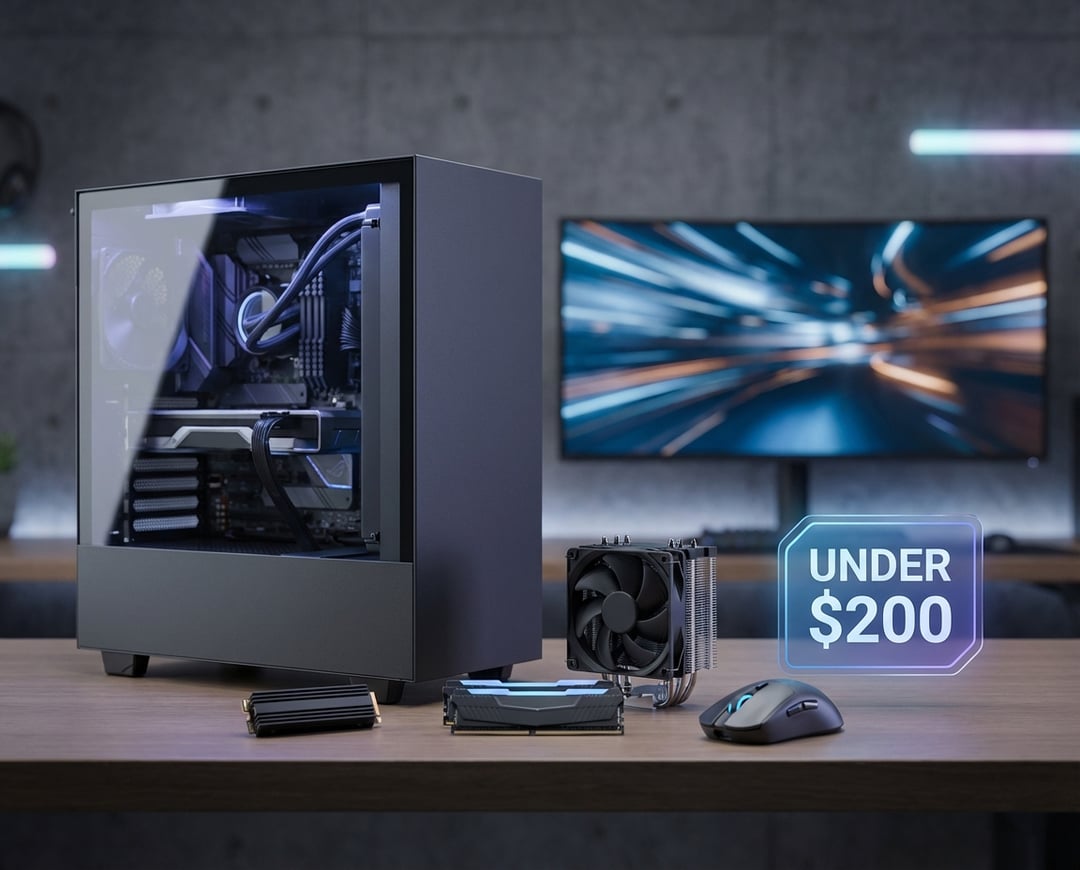
Before You Spend: 3 Quick Checks to Make Sure an Under-$200 Gaming Upgrade Pays Off
First, name the problem in plain language. Do your games load slowly. Do they hitch when a fight gets busy. Do controls feel mushy. Each symptom points to a different bottleneck, which matters because “best PC gaming upgrades under $200” only stay “best” when they match your machine.
Then, do a fast compatibility sweep. Check your motherboard for an M.2 slot before you buy an NVMe drive. Confirm your RAM type (DDR4 or DDR5) so you don’t order something that can’t physically fit. If you’re eyeing a GPU, confirm your power supply has the right connectors and enough wattage headroom. Five minutes here can save you a week of returns.
Finally, set a clear goal. You don’t need fancy tools—just a target like “load times are twice as fast,” “no more stuttering,” or “Valorant runs smoothly at 144Hz.” This will help you spend wisely and keep your expectations realistic.
1) A 1TB SSD Upgrade (SATA or NVMe) — The Most Universal PC Gaming Upgrade Under $200
If your games still live on a hard drive, this is the cleanest upgrade you can make. An SSD won’t magically double your FPS in every title. It will make your PC feel faster in a way you notice daily: quicker boot, faster game launches, snappier fast travel, and fewer “wait, why did it freeze?” moments when the game streams new areas.
For most people, 1TB hits the sweet spot. Modern games regularly cross 100GB. A tiny SSD fills up fast and full drives slow down. If your PC supports it, an NVMe M.2 drive offers higher peak throughput. If it doesn’t, a 2.5-inch SATA SSD still crushes an HDD for real-world gaming quality-of-life.
Install smart. Put Windows and your most-played games on the SSD. Keep rarely used files elsewhere. If you clone your old drive, double-check that Windows still boots correctly and that you didn’t accidentally keep games on the slower disk. This single move often wins the “best budget PC gaming upgrades under $200” conversation for everyday feel.
2) Jump to 32GB RAM (or Fix a Single-Stick Setup) — Under-$200 PC Upgrades for Smoother Gameplay
RAM upgrades feel boring until you run out of RAM. Then they feel like magic. Many PCs still run 16GB and that can work. But modern games plus voice chat plus a browser can push memory usage high enough that Windows starts leaning on storage. Even with an SSD, that can show up as hitching, texture pop-in, and those annoying micro-pauses that ruin the flow.
Two wins matter most under $200. The first is 16GB to 32GB if you play heavy titles or multitask. The second is fixing single-channel memory. If your system uses one stick of RAM, adding a matching stick so you run dual channel can improve performance in plenty of games. It also helps consistency, which often matters more than peak FPS.
Keep it simple when buying. Match the right DDR generation. Prioritize capacity and stability. Treat extreme RAM speeds as icing, not the cake.
3) A High-Refresh Monitor (Used or Sale) — The Under-$200 Upgrade That Changes How Games Feel
A monitor upgrade can deliver the most dramatic “wow” per dollar because it changes what your eyes see and what your hands feel. Jumping from 60Hz to 120Hz or 144Hz improves motion clarity. It also reduces the time between your input and what appears on screen. Even outside competitive shooters, the smoothness feels more “connected.”
Under $200, the value zone often looks like 1080p at 144Hz, especially on sale or bought used from a reliable seller. If you can get adaptive sync (often branded as FreeSync, sometimes labeled G-Sync Compatible), that helps smooth out frame delivery when your FPS fluctuates.
One caution: a faster monitor can reveal a weak GPU. That’s not a deal-breaker. It just means you may drop a few settings or stick to esports titles when you want the full high-refresh experience.
4) A Better CPU Cooler or Case Airflow Refresh — Stability-Focused Gaming PC Upgrades Under $200
Cooling doesn’t sound exciting. It becomes exciting the first time you realize your CPU or GPU downclocks because it gets too hot. When clocks drop, frame pacing can wobble. The game feels inconsistent, which is the worst kind of “performance issue” because it’s hard to predict.
A solid tower air cooler often fits under $200 with room to spare. Pair it with a sensible case airflow plan, meaning intake fans bring fresh air in and exhaust fans push hot air out. You don’t need a wind tunnel. You need clean, directed airflow and reasonable fan curves.
Measure success with your ears and your temps. Lower noise and steadier temperatures usually translate into steadier performance.
5) Used GPU Upgrade (Carefully) — Best PC Gaming Upgrades Under $200 When You Need More FPS
Sometimes the honest answer is “you need more graphics horsepower.” If you play at 1080p and you want higher settings, the GPU often drives the experience. A used GPU can be the best performance-per-dollar move in the under-$200 PC upgrades for gaming category. It also carries more risk than RAM or an SSD.
Shop like a cautious adult. Ask for proof the card works under load, such as a short stress test screenshot. Verify the exact model. Confirm the power connectors. Factor in your power supply limitations before you commit. If a deal feels weirdly cheap, assume there’s a reason.
Also watch for legitimate sales on entry-level new GPUs. Pricing shifts. Refurbs appear. Patience can be an upgrade strategy.
6) Mouse, Headset, or Controller — The Most Overlooked Budget Gaming Upgrade
If you play daily, peripherals can out-impact internal parts because they affect comfort, accuracy, and fatigue. A good mouse that fits your hand can make your aim more consistent. A comfortable headset can make long sessions less draining while improving positional audio. A decent controller can improve precision and reduce frustration, especially if you avoid bargain models that develop stick drift quickly.
Spend for fit and reliability first. Specs matter. Comfort matters more.
How to Choose the Best PC Gaming Upgrade Under $200 for Your Build (Fast Framework)
Use a simple priority ladder. If you still game on an HDD, buy an SSD. If stutter dominates, fix RAM capacity or dual channel. If games feel sluggish, chase refresh rate with a monitor upgrade. If heat and noise bother you, improve cooling and airflow. If you lack raw FPS, hunt for a GPU.
Pick one high-impact change. Measure before and after. That’s how “best PC gaming upgrades under $200” turns from a catchy phrase into a noticeably better PC.